This section will describe how to configure the GUI Client to your SCM or version control. You will also have to configure the client to the Collaborator server.
Pressing the Add... or Edit... SCM Configuration buttons on the right side of the main screen opens the SCM Configuration dialog.
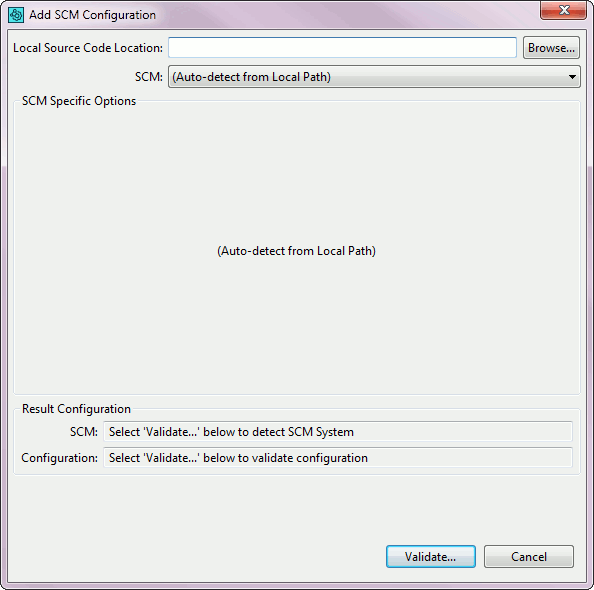
SCM Configuration dialog
If you have a copy of your source on your local machine, enter its location into the optional Local Path field using the Browse button. Press the Validate... button to detect your SCM and SCM Configuration.
Scm Specific Options
If there are additional settings necessary to connect to your SCM system, select your SCM system using the SCM drop-down to show the available options. The Collaborator integration requires that a command-line client be installed. There are different options available for each SCM system:
| • | CVS |
| • | Git |