These settings allow to configure integration between Collaborator and the remote repository hosting services like GitHub, Bitbucket, Bitbucket Server, GitLab, or Azure DevOps.
 LFS is not supported for remote systems (supported for native Git only).
On the Configure Remote Systems tab you can edit your existing integrations. You can have multiple configurations for remote repository services.
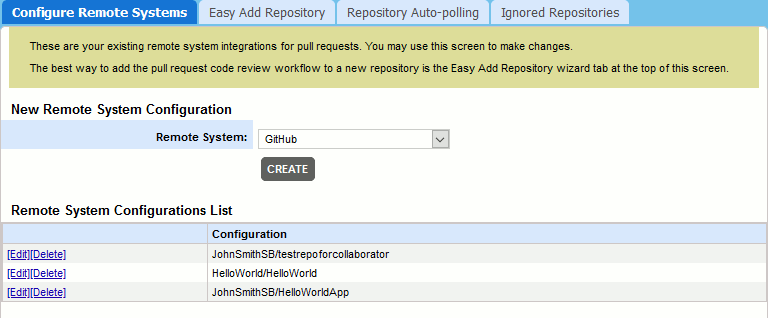
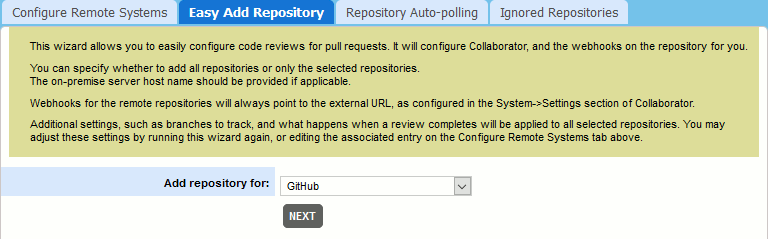
To create a new configuration for a remote system, use either the Easy Add Repository tab or the New Remote System Configuration section of the Configure Remote Systems tab.
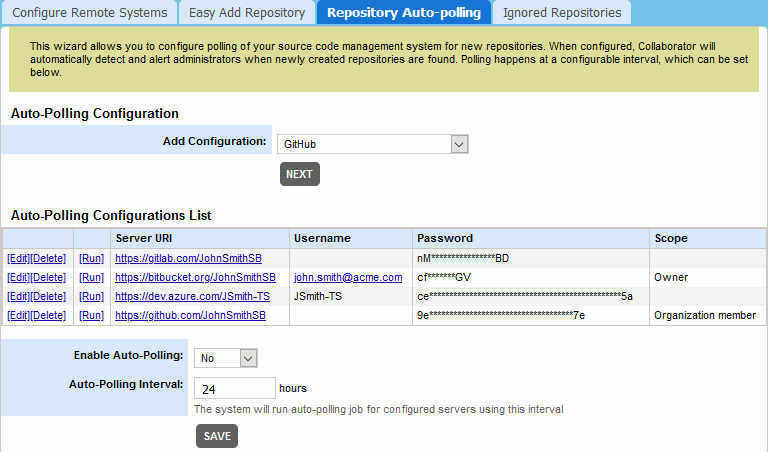
Alternatively, you may configure Collaborator server to automatically check if any new repositories were found on the specified remote hosting servers and notify administrators suggesting to create integrations with these newly created repositories. This can be performed on the Repository Auto-Polling tab.
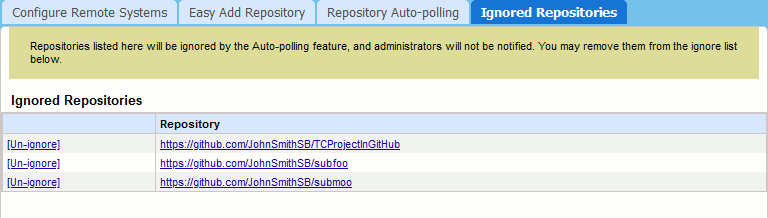
The Ignored Repositories tab lists the repositories that should not be affected by the auto-polling feature, so that Collaborator will not suggest creating integrations for those repositories.
Read the following sections to learn how to create and configure remote system integrations: