URLs can also be reviewed in Collaborator.
Note: Reviewing live URLs is only supported in Collaborator Enterprise. For a complete list of differences between Collaborator editions, please see the comparison page.
However, it is important to note certain limitations. Currently, URLs are rendered in the browser as "live". This implies that clicking on a link on the URL page will direct you to a new page. This also means that you will not be able to anchor comments in the same manner as in image and document reviews.
With our current URL review functionality, newer versions of the URL will not be displayed with older versions, meaning you cannot display multiple versions of the same web page. If you would like to compare multiple URL versions, we recommend that you take static snap shots of the web page and use the image review functionality of Collaborator.
For security reasons, this functionality could be disabled by your Collaborator server administrators.
Uploading URLs
To add a web link:
| 1. | Create a new review or open an existing review, |
| 2. | Scroll to the Review Materials section of the Review Summary Screen, |
| 3. | Click the Upload button on the toolbar, |
| 4. | Select URL from the drop-down list. |
| 5. | In the ensuing dialog, enter the desired URL and then click Attach.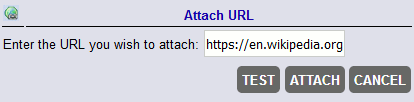 |
Making Comments and Marking Defects
As mentioned above, you will not be able to anchor comments. Instead, you can specify an arbitrary label describing a part of the page or otherwise indicating to other participants what you are commenting on. In older versions of Collaborator, comments in URLs were anchored to a fake "line". Those comments will continue to be displayed, but will be sorted after the new labeled locations.
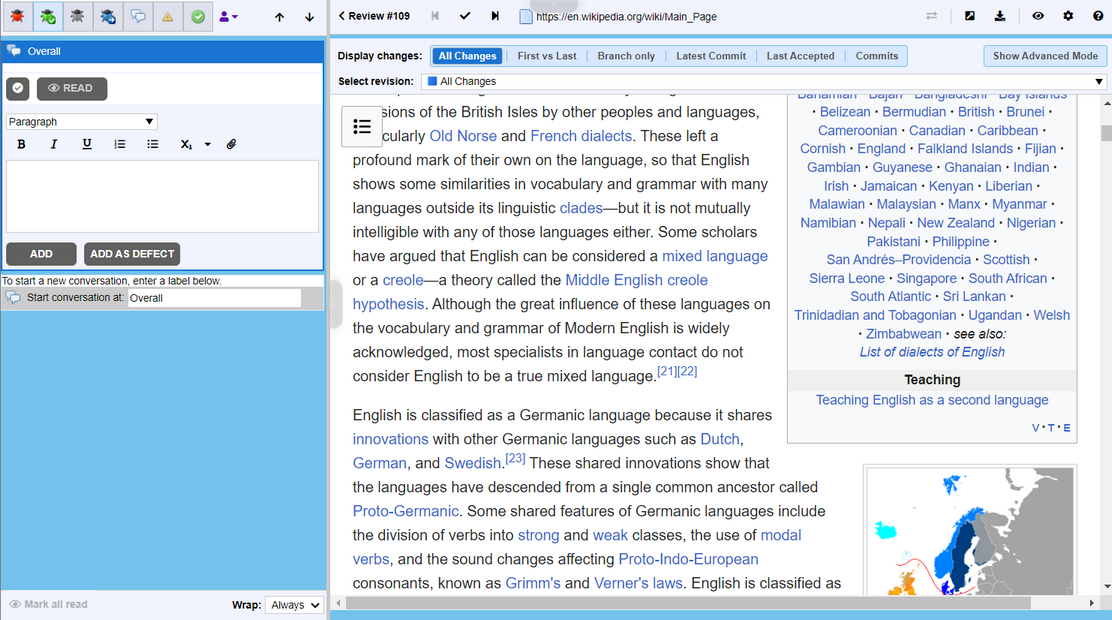
URL Review
Notes:
| • | The URL must be a valid web URL, which should include the protocol specification (either http:// or https://). |
| • | If the specified URL is malformed, you will see an error message. |
| • | Reviewing URLs is intended only for html documents (web pages), all other formats are not supported (for instance, you can not upload pdf document or code file as URL). |
| • | Collaborator does not check whether the specified resource is available. In fact, since it is a link, the contents and availability of the document can change at any time. |
| • | If your Collaborator server uses https connection, you will not be able to upload http links. |
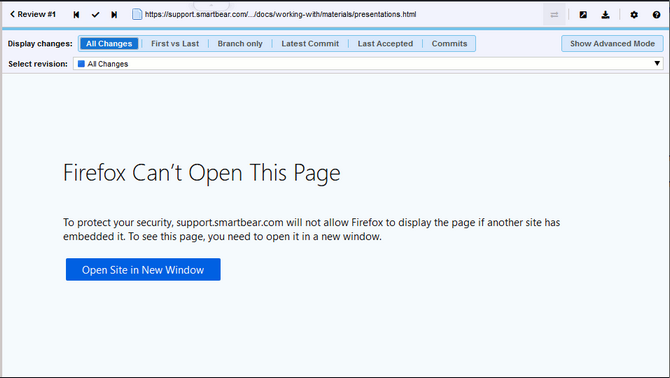
| • | Collaborator displays the referred resource in a frame. The server can send requested contents with anti-framing headers. You will not see the referred content in this case. Depending on the web browser you use, you will see an empty frame or an error message saying that the content cannot be displayed in a frame: |