To open your Collaborator Action Items in Eclipse, select Window -> Show View -> Action Items.
Your Collaborator Action Items appear in Eclipse as a View:
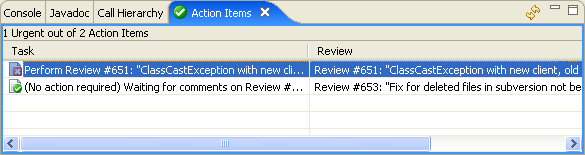
Double-clicking any item will open the Review in the Review Editor or your configured web browser, depending on your preferences.
The list of Action Items automatically refreshes periodically (the rate is configurable). You can refresh manually using the double-arrow icon in the toolbar. Markers and Label Decorations refresh at the same time as Action Items.
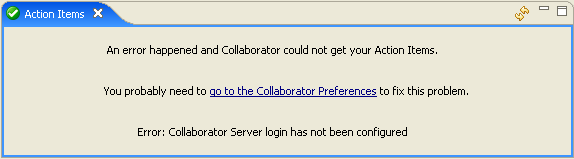
If there was an error communicating with the server, the View will display an error message instead and you might need to visit your preferences to fix connection settings: