Install the plugin
| 1. | Download Confluence plugin from our web site: https://support.smartbear.com/collaborator/downloads/confluence-plugin/ |
| 2. | Open Confluence, go to Administration ->Manage apps |
| 3. | Click Upload app and and choose Confluence plugin java file. |
| 4. | Wait till the installation is complete. |
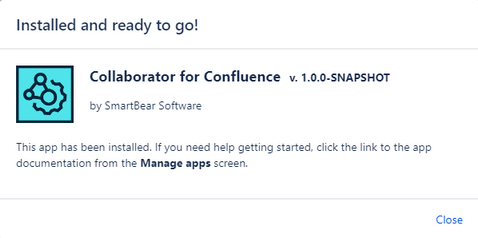
Success installation popup for Confluence plugin
 After installing the plugin, you need to configure its settings before the first use.
Remove the plugin
| 1. | Open Confluence, go to Administration ->Manage apps. |
| 2. | Select Confluence plugin in the list of apps. |
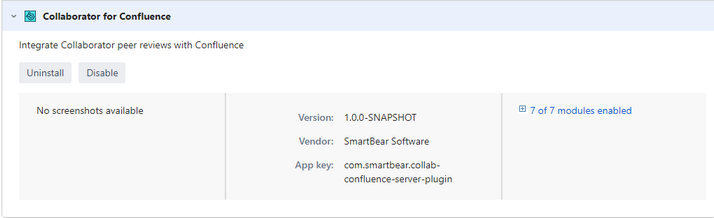
Confluence plugin details
| 3. | Click on Uninstall button. |